
How Count.It works
Count.It is an app for highly social wellness challenges: Start a group, launch a challenge, and invite your people. It’s easy for everyone to log activity, sync their favorite fitness trackers, join a team, and cheer each other on.
Want to learn more? Book a demo with our team.
How do you run a challenge?
You can be up and running in minutes. Just don’t forget to cheer them on!
- Step 1Who: You
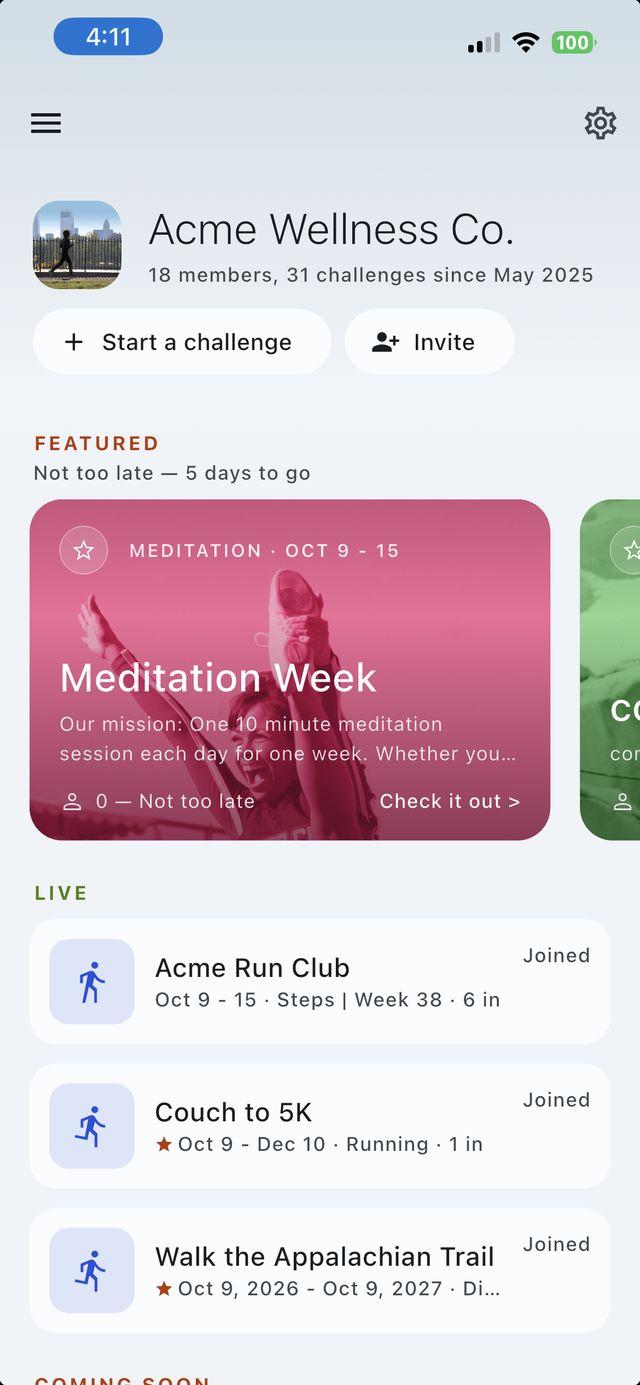
Create your group
Sign up with your email (no password to remember) on the web or in the app. Then name your group after your company, team, or organization. It’s free, and it’s home base for every challenge you run from here on.
- Step 2Who: You
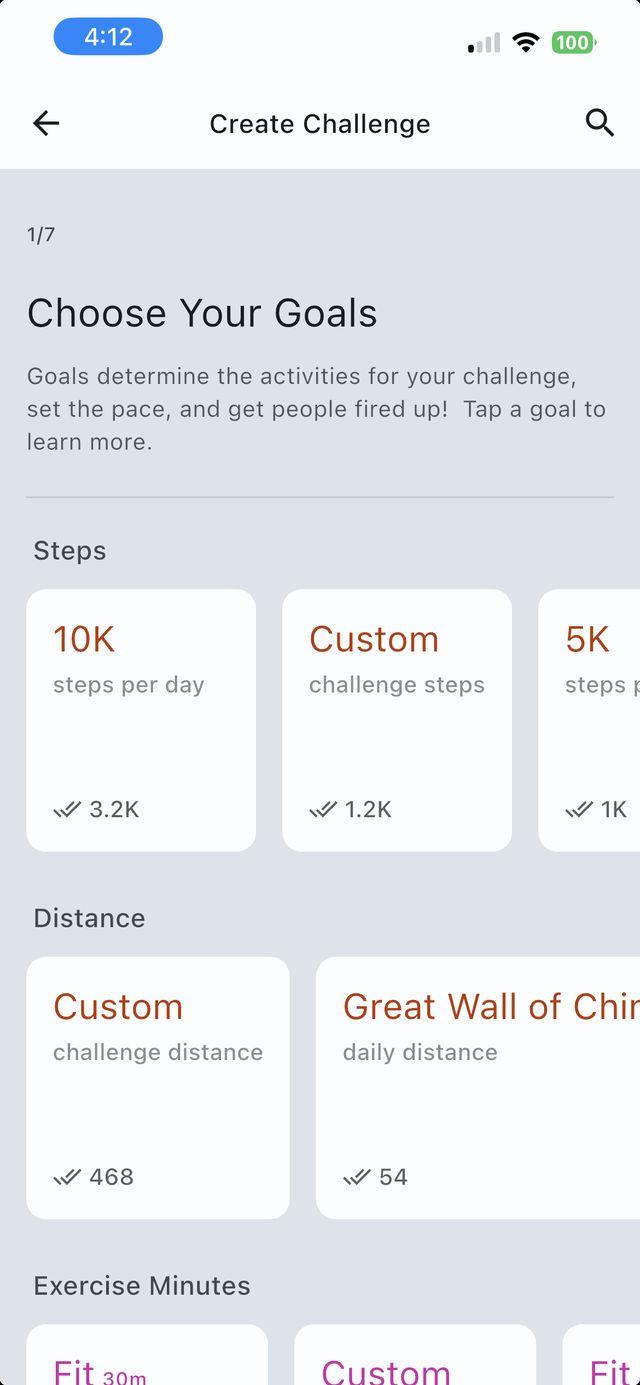
Pick your goals
Choose your activities and goals, set your dates, and add teams and rewards to taste.
- Step 3Who: You
Invite your people
Send the invite wherever your people already are: email, Slack, a poster by the coffee machine. They grab the Count.It app for iPhone or Android and join. If your challenge has teams, they’re asked to pick one on the way in.
- Step 4Who: Your people
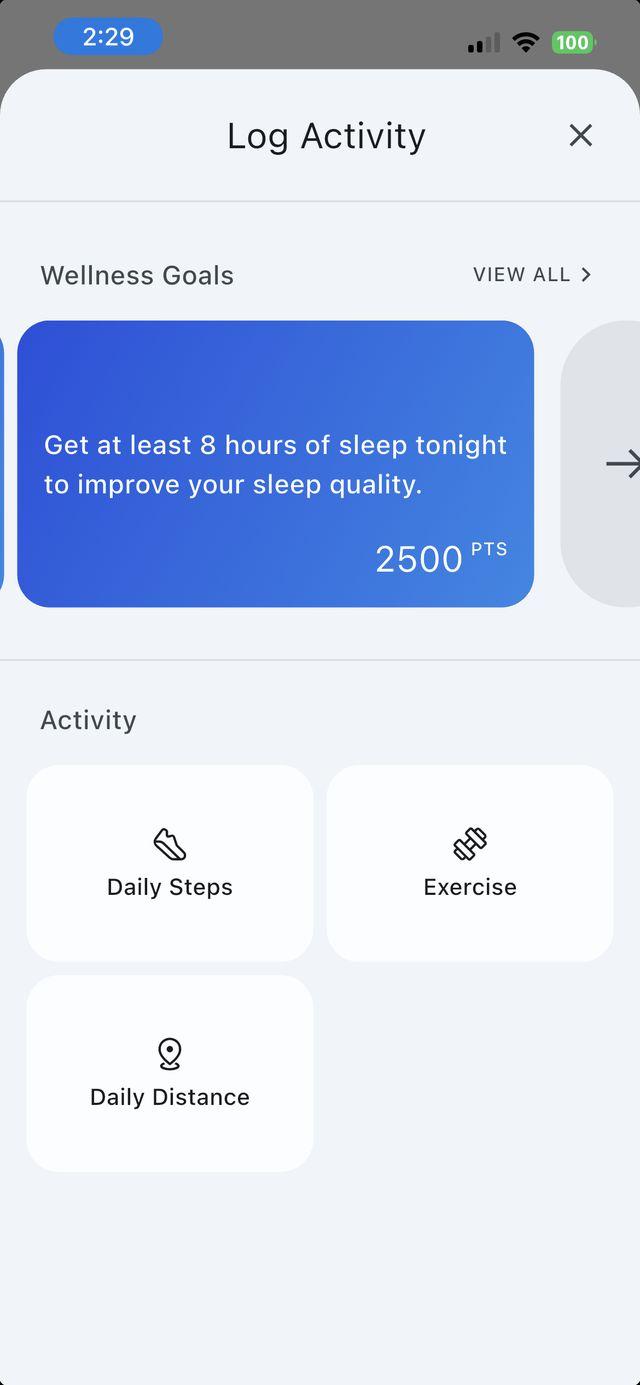
They move. It counts.
Everyone connects the fitness app they already use, and their activity auto-syncs to Count.It. No tracker? No problem: People can log activity by hand with a few taps.
Strava, Whoop, Peloton, and most everything else flows in through Apple Health or Health Connect.
- Step 5Who: Count.It
Now the fun part
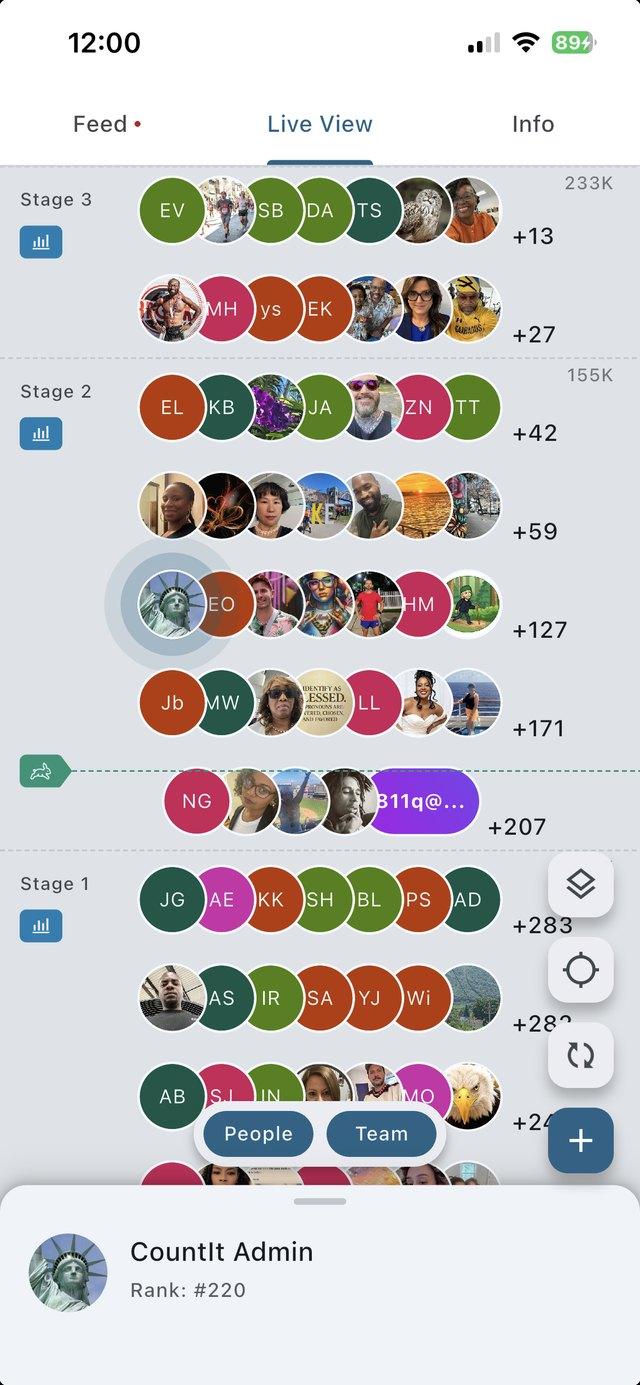
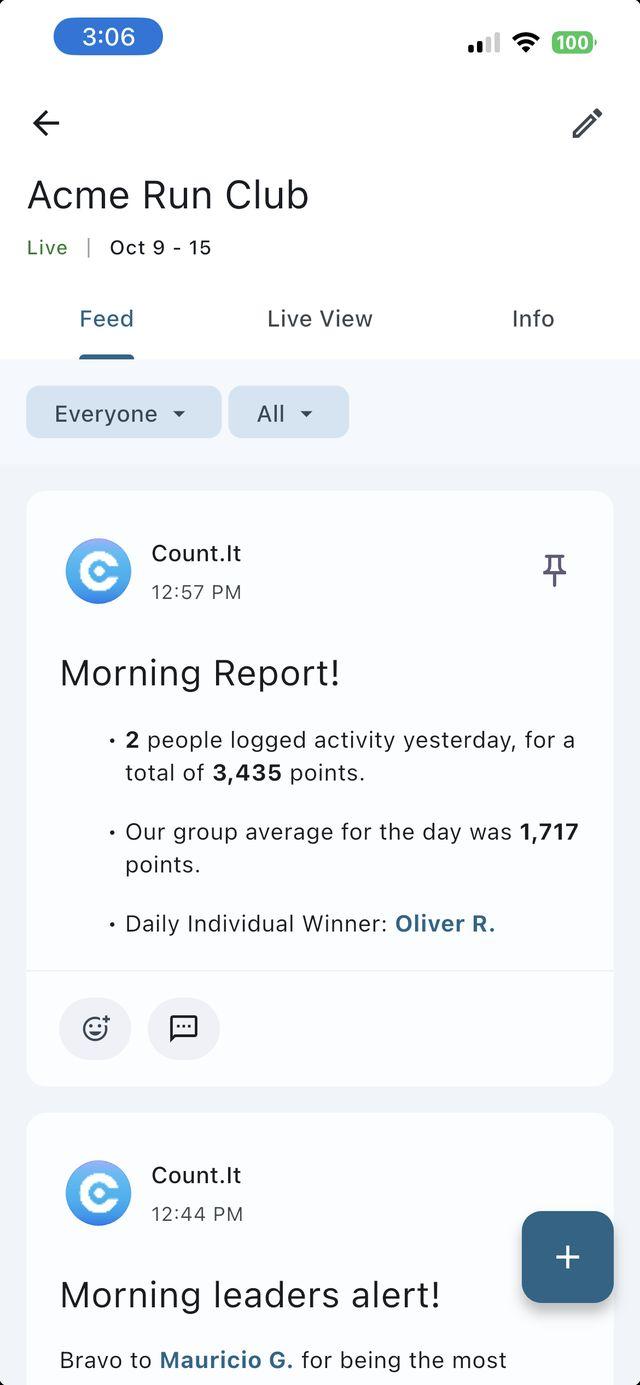
Points move everyone along the live challenge path, teams climb together, and the feed fills up with workouts, reactions, and Count.It’s own daily reports and shout-outs. Your job: Cheer them on.


Groups, goals, views, and teams, explained.
An unofficial Count.It cheat sheet!
What is a group?
A group is your home on Count.It. Most groups are companies, but there are many other kinds of group on Count.It as well: schools, government agencies, churches, trade associations, and even some big families. Creating a group is free, and groups can run a single challenge, or many challenges over time.
How do challenge goals work?
Every challenge starts with one or more goals which set a target amount of an activity over a timeframe, including daily steps, exercise, meditation, and a lot more. Participants log their activity and track their own progress and that of others on interactive challenge paths, maps, or leaderboards. Every challenge can have teams, as well as rewards, a newsfeed, and even surprise bonus goals.
What kind of challenges can we do?
Just about any. Start from the challenge library: daily step goals like 10K Steps per Day, training plans like Couch to 5K, virtual journeys like Walk the Appalachian Trail, mindfulness weeks, wellness resets that mix movement with water and sleep, and monthly run and bike clubs. Run one for a week or a whole year, for individuals or teams, or build your own from scratch. A few favorites are on our homepage.
What do people see during a challenge?
Count.It displays challenger progress on cool interactive views: Total Points, Consistency, and Distance — as well as traditional list leaderboards. Participants see themselves, and their teams, as clickable avatars. The more activity a person logs, the faster and farther they go along the various paths or views. Admins choose which view people see first, and anyone can switch views in the app.
How do teams work?
Any challenge can have teams. They race along the same path as everyone else, as wide pill-shaped avatars, and a team’s score is the average of its members’ scores, so a small team can take on a big one fairly. Teammates still compete as individuals too. Admins can build teams to match offices or departments, or let people start their own, and every team gets a private feed.
How does activity get into Count.It?
Two ways. Connect a fitness app once (Apple Health, Health Connect, Garmin, Fitbit, and more) and activity syncs automatically. Or people log it by hand in the app: Pick the activity (exercise alone has 130+ workout types), add the start and end time (and distance, for things like biking or swimming), and attach a note or photo if they like. Hand logging is on by default; when admins create a challenge, they can choose to flag hand-logged workouts or not count them.
What’s in the challenge newsfeed?
The newsfeed is the comms center for your challenge. The feed streams user activity logs, as well as automated system alerts, including morning reports and leader changes. Users can react to each other’s activity, @message their rivals, and share pictures and videos of their activity. Admins can pin important messages so everyone sees them. Each team also gets a private feed of its own, and anyone can keep their own activity team-only or private.
What about rewards and reports?
Set rewards for individuals, teams, or the whole group, and everyone can see them on the challenge’s Info tab. You choose the prize, and it doesn’t have to be expensive: gift cards, swag, a trophy, extra PTO, or a donation to the winning team’s charity. Download reports any time, and share the results when it wraps.
How much does it cost?
Free for up to 10 people, with as many challenges as you like. Bigger groups pay as they go: 10¢ a day for each person beyond the first 10 while they’re in a challenge, plus a $9.90 base fee in months you go over 10, billed at the end of the month. Want to price your challenge right now? Check the Estimator on our Pricing page!
Your first challenge is minutes away.
Free for up to 10 people. Start today, or book a demo and we’ll walk you through it.